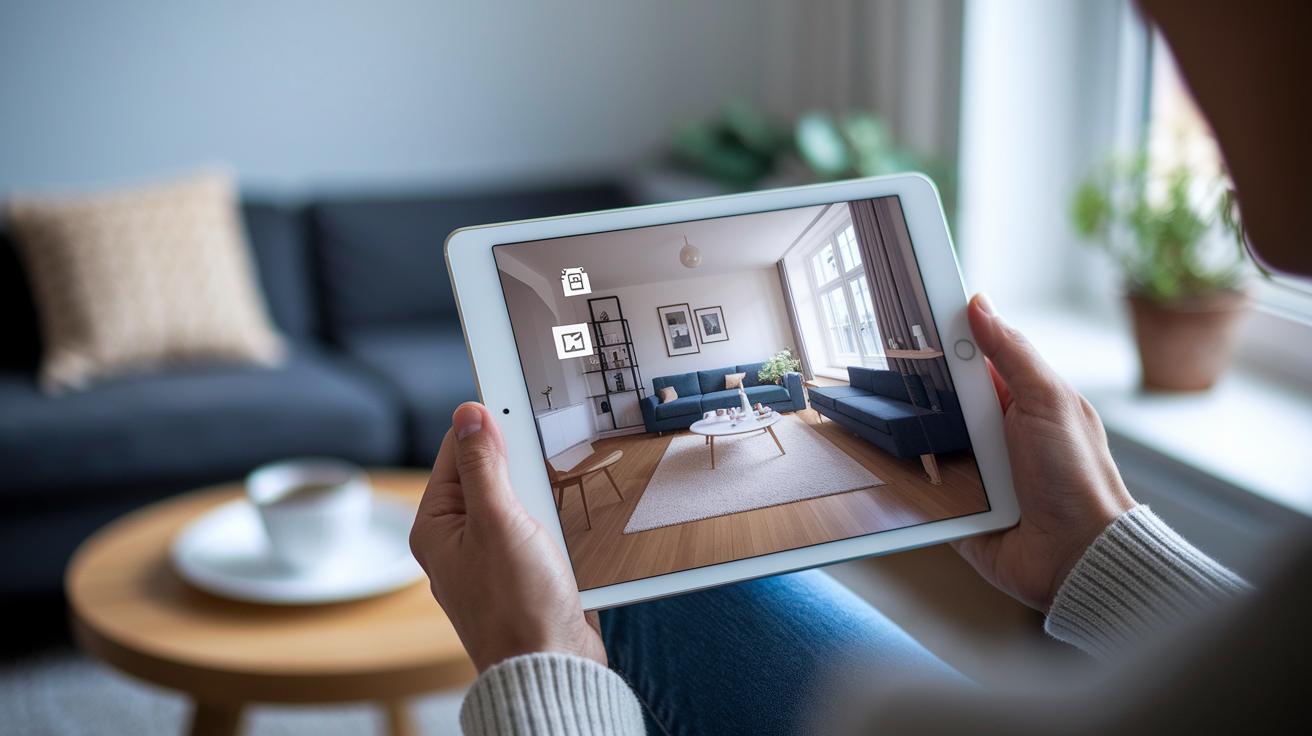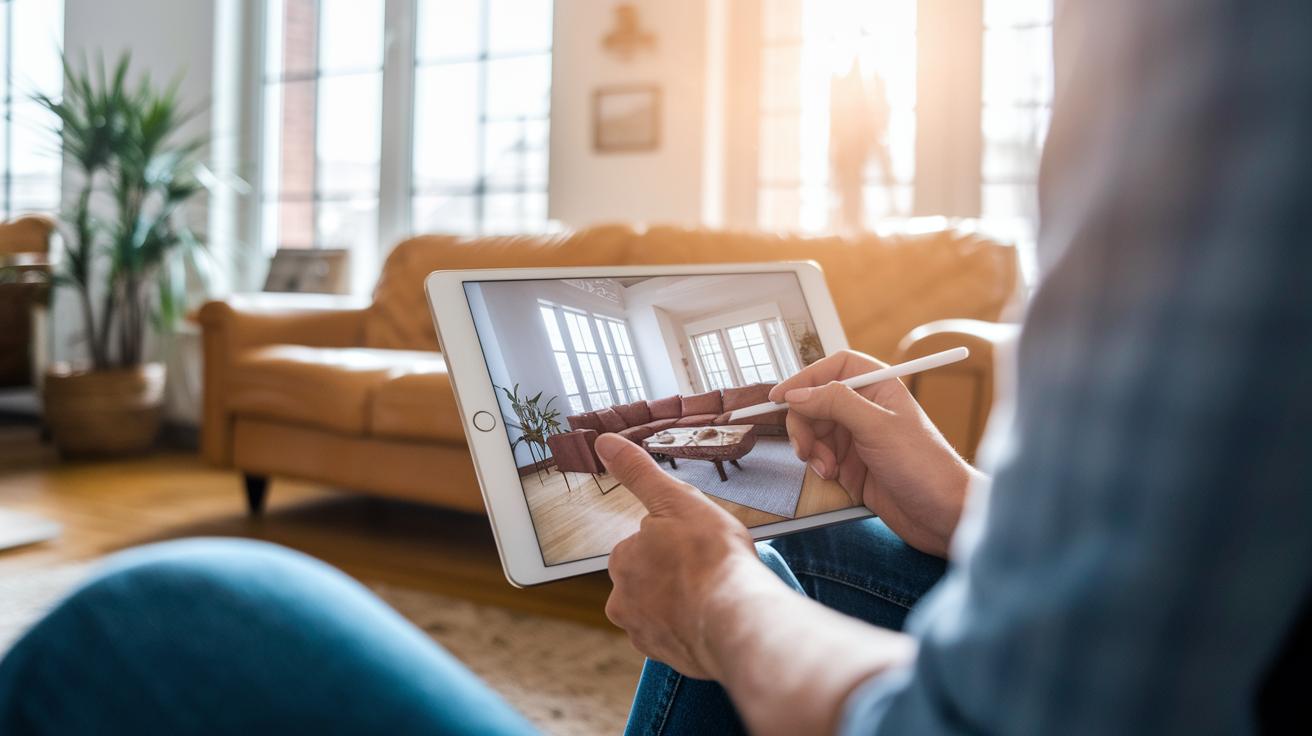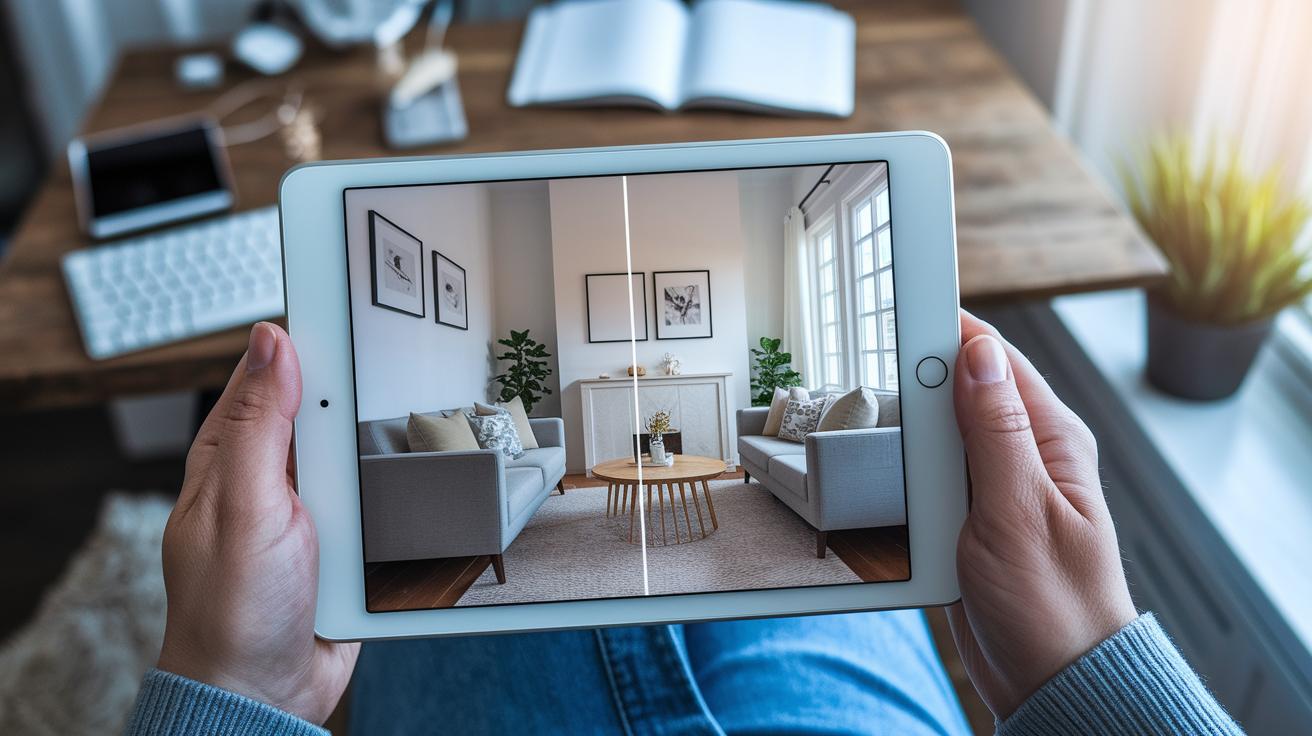
Have you noticed how some rooms look like art while yours feels dated? Room makeover apps let you plan new layouts with just a few taps. You can see your design in 3D and test different styles without leaving home. These tools make updating your space easy and fun. Read on to learn how you can refresh your room with a modern look.
Top Room Makeover Apps to Plan, Visualize, and Design Your Space
These apps let you draw your floor plan, test different furniture layouts, and view your design in 3D before you start any work. They offer cool features like AI home scanning, a drag-and-drop design interface, and ways to try different styles. Whether you are a designer, a beginner, or a busy homeowner, you can review pricing, user-friendliness, and special features to decide which tool fits your project. For extra ideas on room makeovers, check out DIY room makeover ideas.
| App Name | Key Features | Platform | Pricing | Ideal User | |||||||
|---|---|---|---|---|---|---|---|---|---|---|---|
| Planner 5D | Create both 2D and 3D floor plans, choose from over 8,000 items, and use an AI home scanner with the Smart Wizard | iOS, Android, Web | Freemium | Designers and enthusiasts | |||||||
| Homestyler | Features an AI designer for both indoor and outdoor spaces | iOS and Web | Free with paid upgrades | DIY decorators | |||||||
| Roomstyler | Offers browser-based 2D/3D floor plans, a 3D photo preview, and drag-and-drop tools | Web | Free | Beginner designers | |||||||
| Floorplanner | Allows up to 5 free projects with a large library of
Free Room Planners and Makeover Tools: A Detailed Breakdown
IKEA KreativIKEA Kreativ is a mixed reality app that uses AI to scan your room. It lets you remove current furniture and add pieces from more than 50 pre-designed showrooms. You can try different layouts, save your design, and even shop online after experimenting. This tool is perfect if you want to see a new look for your room without spending on expensive software. Miss Amara Virtual Rug StylerMiss Amara Virtual Rug Styler helps you choose a rug that fits your space. It shows you different sizes, patterns, and colors so you can see what works best. This tool makes it easy to avoid costly mistakes when picking a rug. It is an ideal choice if you want to plan your decor visually before you make a purchase. Reece’s Imagin3D Bathroom PlannerReece’s Imagin3D Bathroom Planner makes planning a new bathroom layout a snap. It is especially useful in tight spaces where every inch matters. You can rearrange fixtures and try out new designs in advance. This app cuts down on trial and error, saving you time and effort on your bathroom project. Build Your Own Bed BundlesBuild Your Own Bed Bundles is designed for bedroom makeovers. It allows you to mix and match bedding colors and patterns to find the right look for your space. This planner is simple to use and helps you balance style with function to refresh your room. 3D kaboodle PlannerThe 3D kaboodle Planner is a great tool for designing custom kitchens, laundry rooms, and cabinetry. It is available on a major home improvement website and features a drag-and-drop interface for easy use. This free tool lets you test layout ideas before you invest in changes, making the planning process smooth and practical. iPhone MeasureiPhone Measure comes preloaded on iPhone Pro devices. It uses augmented reality to capture object sizes and distances, and it includes a built-in spirit level for accurate measurements. Whether you are hanging decor or arranging furniture, this tool adds a handy edge to your room makeover toolkit. Augmented Reality and AI-Powered Room Redesign AppsAR and AI tools help you measure rooms and preview designs in a realistic way. They quickly scan your space, capture dimensions, and build digital models. Magicplan offers extra help by pairing room scanning with project management. It not only creates clear digital floor plans but also organizes forms, photos, and files, turning your early ideas into a plan you can use. Key Features to Evaluate in Room Makeover Apps
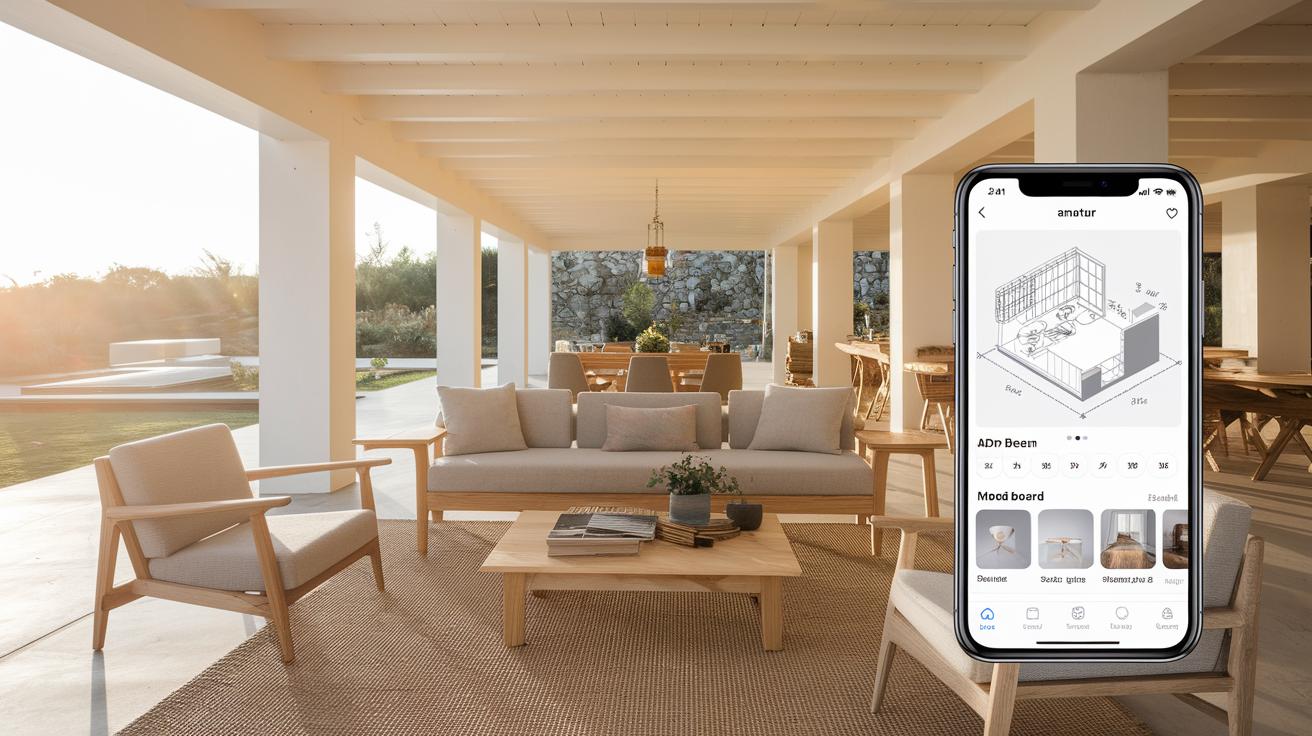
When you plan a room makeover, pick an app that brings together clear layout design, lifelike visuals, smart scanning, and built-in shopping features. Many apps mix these tools to give you a full picture of your room. For instance, Planner 5D lets you create simple 2D and 3D layouts while offering high-resolution images for a real preview. Apps like IKEA Kreativ and iPhone Measure use AR scanning (augmented reality scanning, a tool that measures your space using your camera) to get accurate room dimensions. Some apps also include mood boards and shopping links to help you arrange furniture easily. Below is a summary of key feature categories with example apps:
Imagine stepping into your room and watching every change come together in a crisp, 3D image. That’s the kind of clarity a good room makeover app can bring to your project. How to Choose the Right Room Makeover App for Your DIY ProjectProject Snapshot: When you pick a room makeover app, start by thinking about your budget. Some apps, like Floorplanner, let you try a free version with limited projects. For more options, you may pay around $5 each month or $60 per year. HomeByMe uses a credit system, while Foyr Neo offers advanced tools for about $29 each month. This helps you choose based on how many design projects you plan to tackle. Next, look at the size of your project. If you are remodeling several rooms, try an app like Planner 5D that provides many design tools. If you need detailed, professional floor plans, Magicplan can capture measurements and organize your project details. Also, check if the app works well with your devices. If you only use an iOS device, iPhone Measure can be a very handy tool. In contrast, apps like Homestyler or Roomstyler let you work from your computer or tablet. Finally, match the app to your comfort with technology. Roomstyler offers a simple drag-and-drop interface for beginners, while Foyr Neo includes moodboard tools for those with more experience. Be aware of limits in some apps, such as Photo Measures Lite, which only allows two images, or export limits with credit and subscription models. For organizing your workflows, check out the DIY project planning template. Getting Started with Your First Room Redesign Using a Makeover App
Final WordsIn the action, this guide mapped out top apps for room makeovers, free design tools, and AR solutions. Each section broke down features like floor planning, 3D visualization, and smart scanning to help plan your project. We also talked about choosing the right app based on budget, project scope, and ease of use. Finally, the step-by-step launch tips make it easy to start redesigning your space. Embrace these room makeover apps to keep your project fun, safe, and on-budget. Happy decorating and keep transforming your space with confidence. FAQAre there free apps that let you design or redecorate a room?The free room makeover apps let you design and arrange your space at no cost. They offer tools to plan layouts, test decor ideas, and even create photo-based designs online. What free room makeover apps are available on Android?The free room makeover apps for Android give you tools to scan rooms, arrange furniture, and experiment with decor. They make it simple to see layout changes using your Android device’s features. What free room makeover apps are available on iPhone?The free room makeover apps for iPhone allow you to capture photos of your room and try new designs with AR features. They are user-friendly and built to optimize your design creativity on the go. Do any apps let you take a picture of your room and redesign it?The room redesign apps let you take a photo and then digitally rearrange or add furniture. This means you can see a realistic preview of your design ideas before making any changes. What is the 70/30 rule in interior design?The 70/30 rule in interior design means using 70% neutral hues as a base with 30% of bolder accents. This balance creates a calm backdrop with energetic pops that draw attention. |