

Have you ever felt stressed by messy spreadsheets during a home renovation? A Gantt chart can help clear the confusion.
You simply drag and drop tasks, like demolition or new flooring, into a clear timeline. This visual tool shows each part of your project step by step. It also keeps track of budgets, tasks, and deadlines so everyone stays in sync.
With this simple roadmap, your renovation becomes manageable from start to finish.
How a Gantt Chart for Home Renovation Planning Streamlines Your Project

A Gantt chart built for home renovations works faster and more accurately than old spreadsheets. Its drag-and-drop design lets you build your plan in under five minutes. You no longer wrestle with endless rows or tough formulas. Instead, you simply move tasks into place. For example, drag a "demolition" task next to "new flooring" and link them with a click.
This tool shows a clear timeline for every phase of your remodel. You can add fields to set your budget, list your goals, or track tasks like cabinet installation or paint drying. When plans change, team members or contractors update the chart in real time through public links or by exporting it as a PDF.
Clean visuals help you see every step of the project. It works like a simple grid that keeps every contractor and decision-maker on the same page. Without complex formulas to slow you down, you can focus on the creative parts of your home renovation. More than 131,219 users trust this method to keep their projects organized and on schedule.
Step-by-Step Guide to Creating Your Gantt Chart for Home Renovation Planning
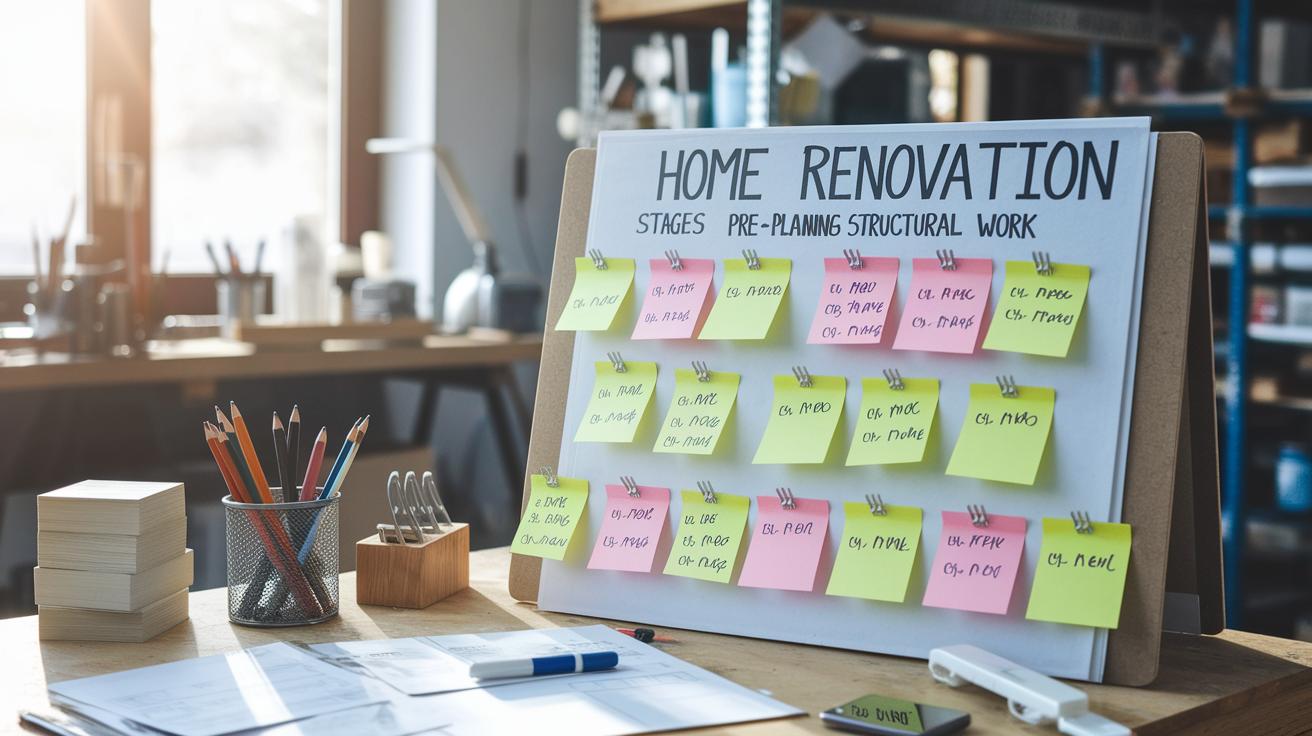
Start by splitting your remodel into clear stages. Think of your chart as a way to track your progress. This timeline shows each task with start dates, how long they take, and how tasks depend on each other.
-
Pre-planning
First, decide what your renovation will include. List key choices like design plans, permits, and budgeting. For instance, set a milestone for when your funds are ready. -
Demolition
Next, plan tasks such as taking out old fixtures and clearing out rooms. Give each task a short time slot and mark when material deliveries affect the schedule. -
Structural Work
Now, map out tasks for framing, adding supports, and updating wiring or plumbing (plumbing means the pipes and fixtures that carry water). Make sure each task follows the right order. For example, do the electrical work after the framing is done. -
Finishes
Then, list tasks like painting, putting in new flooring, and installing fixtures. Connect tasks that depend on each other. For example, note that the paint must dry for 2 hours before moving on. -
Inspections
Finally, add any required checks after each stage. Make sure all work in one stage is finished before scheduling the next inspection.
Use fields in your chart to track material costs and mark major milestones. Adjust start dates and times as needed. This step-by-step breakdown helps you keep your home renovation on track.
Choosing and Customizing a Gantt Chart Template for Home Renovation Planning

A Gantt chart template made just for your renovation can really simplify your planning. There are ready-made choices like the Renovation Construction Schedule, a blank version, and sample templates that show tasks in a clear timeline. If you like something that works straight from the start, try a template that already lays out room additions, basement refinishes, and outdoor kitchens.
Start by importing the template into your favorite Gantt tool. Then, adjust the fields to match your project. For example, add columns to track new fixture costs or set deadlines for each room remodel. Change the task durations and link tasks so your timeline stays clear.
- Pick a template that fits your project. Use the Renovation Construction Schedule for detailed plans or a blank version if you want more creative freedom.
- Import the template and customize the fields for budgeting, key dates, and task links.
- Set your export options, like PDF or CSV, to share your plan and see real-time updates.
This approach blends clear visuals with easy customization, making it a strong tool for your interior redesign. Ready-made templates save you time while letting you create a custom schedule. Try the home renovation project schedule template and see how simple planning can be.
Integrating Your Gantt Chart for Home Renovation Planning into Renovation Workflows

Link your Gantt chart to your calendar app so you can view tasks alongside your daily appointments. This setup helps you spot upcoming work and avoid schedule overlaps. For example, when you mark a delivery milestone, your calendar alert reminds you to check its progress.
Assign tasks directly from the chart to your contractors or crew members. With each task clearly labeled, everyone knows their role. Use your chart as a progress tracker by setting up notifications for milestones like permit approvals or equipment arrivals.
Set up a remodel management grid on your chart with these steps:
- Sync tasks with calendar apps such as Google Calendar or Outlook.
- Assign tasks and deadlines to the right team member.
- Set milestone reminders for important events like inspections and material deliveries.
- Restrict editing permissions to designated collaborators.
- Share a read-only link with stakeholders to keep everyone updated.
Connect your chart with daily work reports to organize your interior redesign timeline. This link helps flag issues early and keeps your project on schedule. A clear construction timeline cuts delays and boosts teamwork.
Share links for real-time updates to bridge communication gaps. These built-in tools keep your renovation workflow efficient and ensure everyone stays in the loop.
Tips, Best Practices, and Common Pitfalls in Gantt Chart for Home Renovation Planning

Plan extra time for unexpected delays. For instance, if you plan to paint and then install flooring, add an extra day to let the paint fully dry, especially if the weather is unpredictable.
- Review your schedule every week. Open your chart weekly to update task times and shift dates if needed. This keeps your plan fresh and helps you avoid surprises.
- Set aside a bit of extra time for mishaps. A short buffer stops small delays from growing and keeps your overall plan realistic.
- Keep tasks simple. Avoid listing too many small details for lower-priority items. Focus on major steps so your schedule stays clear and easy to read.
- Check the order of tasks. Make sure key jobs, like inspections, only start after the previous work is done. Skipping this check can disrupt your whole plan.
- Remember vendor lead times. If a supplier is slow, update your chart immediately to reflect the delay.
By following these steps, you manage risks well and keep your renovation plan flexible, accurate, and on track.
Final Words
In the action of managing your renovation, this guide showed how a dedicated gantt chart for home renovation planning makes scheduling easier and clearer. You learned how to break your project into phases, assign tasks, and customize templates for real-time collaboration and progress tracking.
Every step, from planning to execution, builds confidence and helps avoid common pitfalls. Enjoy the process, stay organized, and see your vision come to life with a smarter scheduling method.
FAQ
What is a Gantt chart for home renovation planning in Excel?
The Gantt chart in Excel displays your renovation tasks along a timeline. It helps you track deadlines and dependencies using bars, although it may require extra manual setup compared to dedicated tools.
How can I access a free Gantt chart template for home renovation planning?
The free Gantt chart template offers an easy way to organize renovation tasks, set deadlines, and track progress. It is available online for download and works well for budget-conscious home projects.
What does a PDF version of a home renovation Gantt chart offer?
A PDF version provides a static, shareable schedule that clearly outlines tasks and dates. It is ideal for quick reviews and printing but does not update dynamically.
What benefits does a House Renovation Project Plan Template in Excel provide?
The Excel template gives you a structured layout for planning your renovation. It lays out tasks, timelines, and dependencies while using familiar Excel features for easy customization.
How does a Home Renovation Project Plan PDF help in planning?
A PDF project plan offers a fixed, printable schedule detailing tasks and milestones. It provides a clear overview for homeowners and contractors without the need for software updates.
What advantages does a Home Renovation Project Plan Template for Google Sheets offer?
The Google Sheets template allows real-time collaboration and easy sharing. It is customizable for tracking tasks and deadlines, making it a flexible option for group projects.
How does a free Home Renovation Planner work?
The free planner helps you keep track of renovation tasks, budget, and schedule. It provides an organized overview of your project progress while remaining cost effective.